
Come on in
Three quick steps.
Then you’re home.
Family Estates is our private place to stay close. It works on iPhone, and you’ll need the invitation you were sent to step inside.
Sign in with Apple
Open the app and choose Continue with Apple. That’s your private key, no new password to remember.
Open your invitation
Tap the invitation link you were sent. If the app doesn’t open on its own, tap below.
Open Family EstatesYour personal invitation link comes from the family, not from this page.
Copied. In Family Estates, tap “Have an invitation link?” and paste.
Made for our family. Membership by invitation. Need a hand?
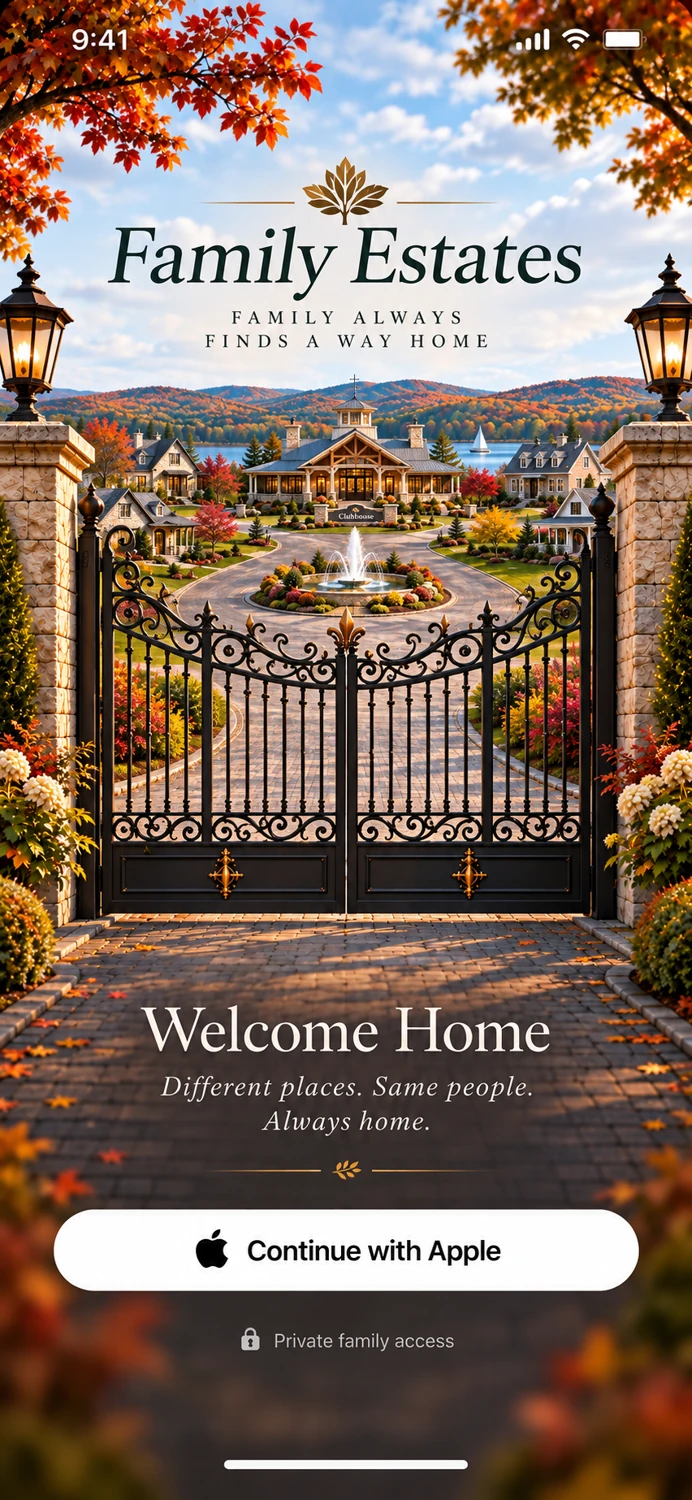
Family always finds a way home